I bought this back in January of 2025 and finally got around to installing it thinking that this would increase the performance and accuracy of my Spider laser, which couldn't be further from the truth.
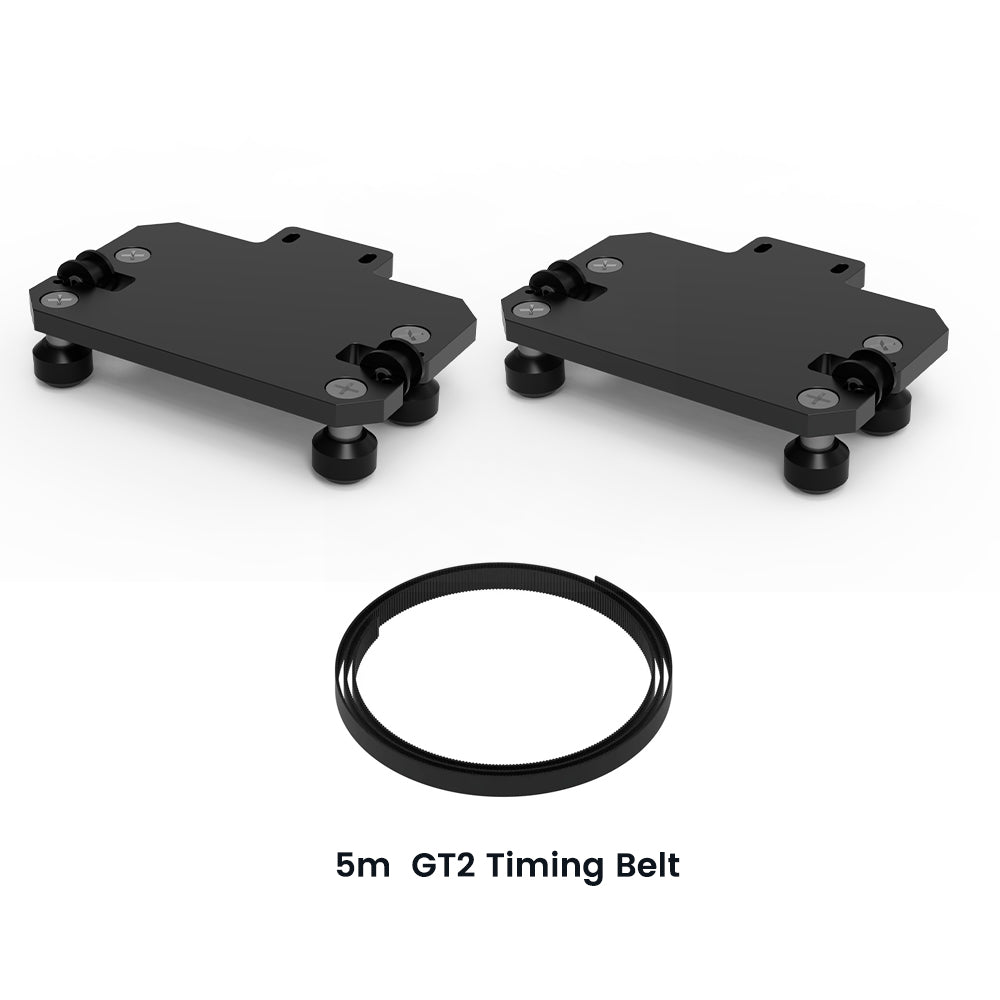
I was sent the upgrade package which contained the two brackets, replacement wheels, two long thumb screws, and replacement belt. I went on YT and watched the Tyvok sponsored install Spider X1/X1S upgrade kit.
I installed while watching the video and did everything that was shown. After installation, I set the machine up, changed my y axis in Lightburn software to make sure everything was correct. It was then time to run my project, but the carriage would not move at all. I went online and left a chat with Tyvok and they explained "Please ensure all connections are secure and check for any obstructions. If the issue persists, consult the installation guide or contact support for further assistance."
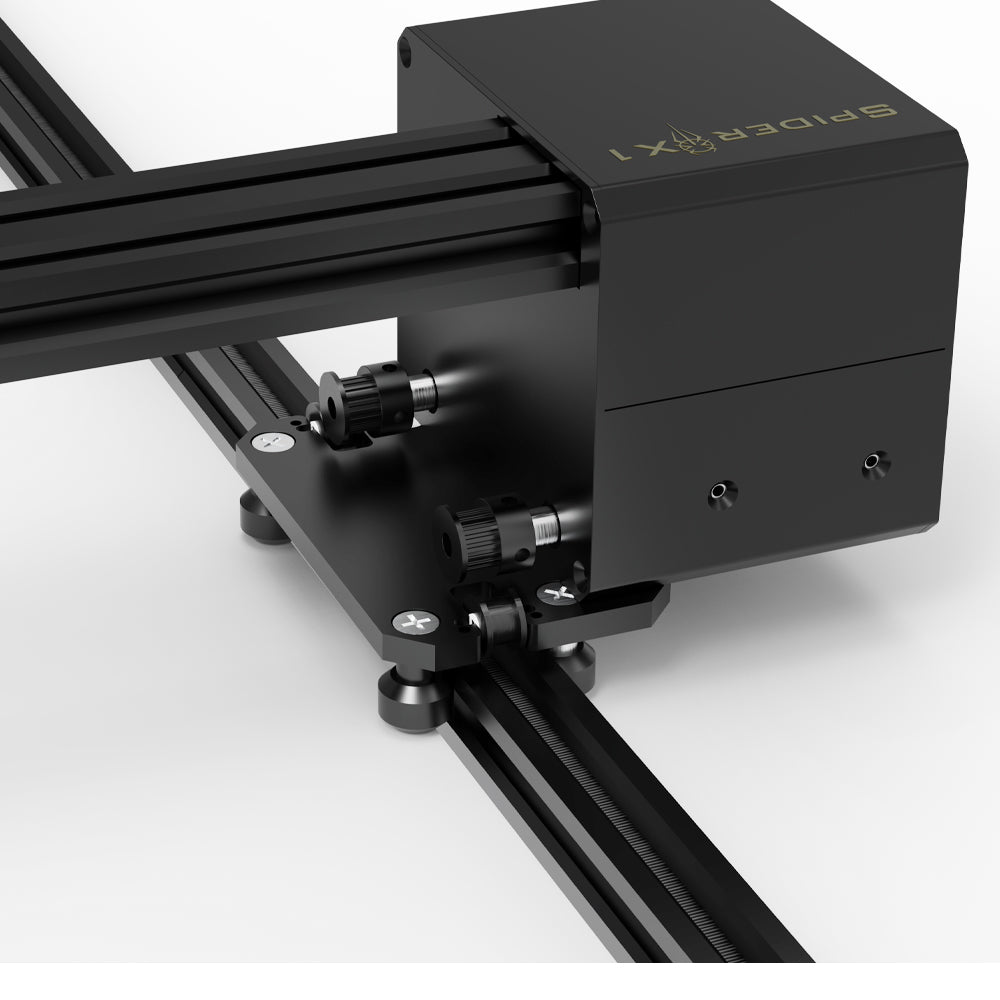
Well, after doing some further looking, I realized that the bracket installed directly on top of the rubber wheels on the bottom of the laser which prevented the carriage from moving! On top of that, Tyvok only gave (2) thumb screws, one per side to hold the brackets in place. This allowed the brackets to turn slightly after making sure the wheels were lined up with the track and secured in place.
I took the brackets out to my shop and grounded the excess off to make sure they weren't hindering the wheels from moving. This worked perfectly, but the problem was still there with the brackets being allowed to twist slightly due to only have one thumb screw per bracket.
After all this was done, it was time to run the program. At the bottom of my project are 24 perfectly rounded circles to be cutout, however they were anything but round. My whole project was slightly distorted. I checked my software, making sure everything was correct.
Finally, after spending all day working on this, it was time to remove the brackets and put everything back the way it was. After doing that, perfect! My project ran fine, with perfectly round circle cutouts and no distortion whatsoever.
This upgrade kit was $49 and change. I had a coupon code for $20 off which made it $29 and change, but still not worth the hassle I had to go through just to end up where I started.
Someone needs to do their work before putting so-called upgrade kits out there for people to waste their money on.
I've been a Tyvok customer since August of 2024. I own the Spider X1S with a 20 watt laser and have been very pleased with it, however the extra bells and whistles are definitely not worth the money or effort.